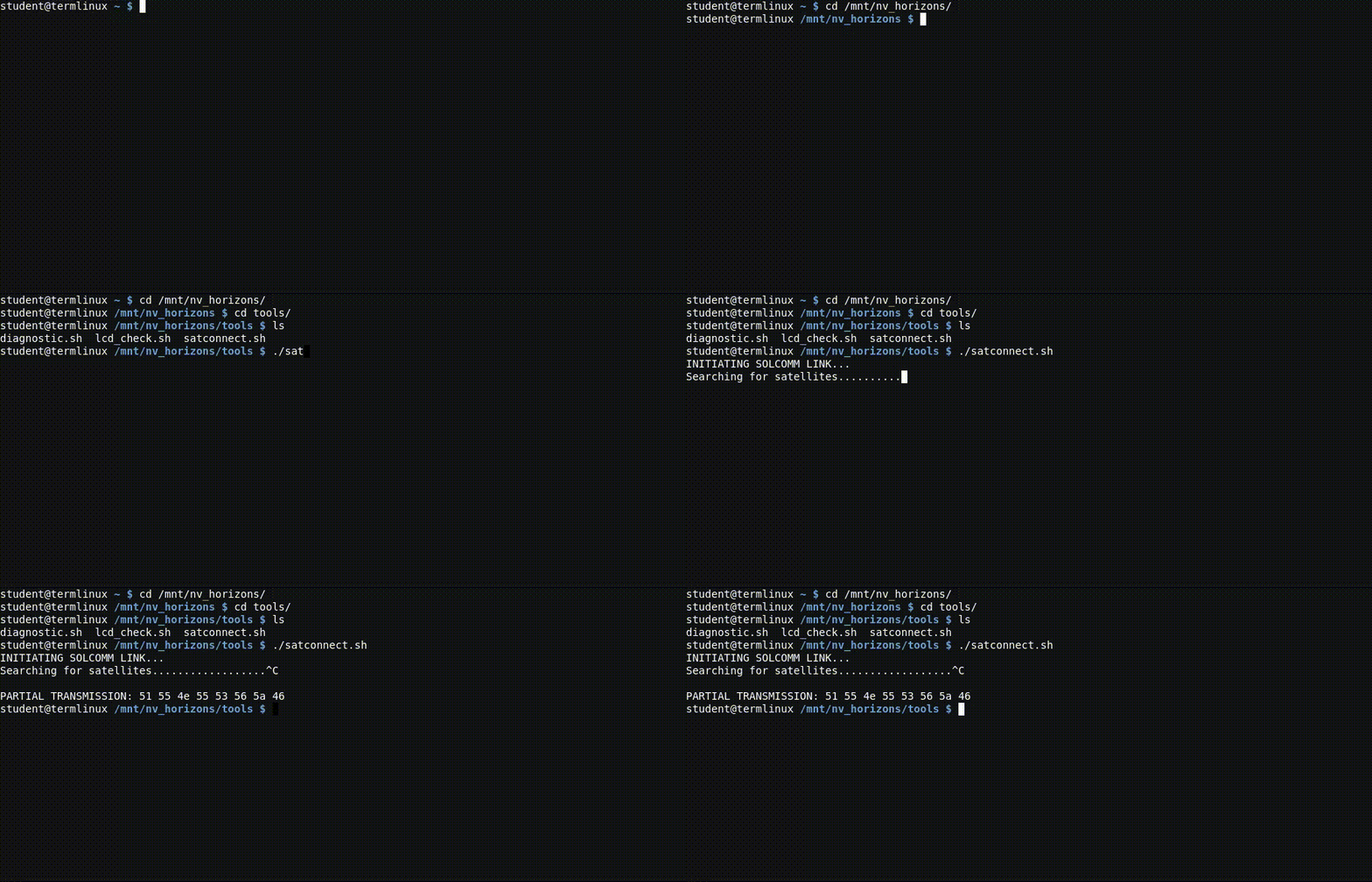
Challenge 0 : Your First Commands
[NV Horizons Investigation - Briefing]
Welcome aboard the UNN Daedalus, investigator.
We've just recovered the black box from the NV Horizons, a research vessel whose crew vanished without explanation. The ship's logs are intact; but reading them means knowing your way around a Linux terminal.
Don't worry. We'll teach you as we go.
Your task
Click Open Terminal, then type each of these commands in order, pressing Enter after each one:
cd /mnt
cd nv_horizons
cd logs
ls
cat crew_log_0.txt
cd
If the terminal looks broken (cut off, weird wrapping, after using fullscreen), typeresize and press Enter.
cd — change directory
Moves you between folders, like double-clicking into a folder on your desktop.
ls — list
Shows you what's in the current folder. Green entries are files, blue entries are folders.
pwd — print working directory
If you're ever lost,
cat — show file contents
Prints what's inside a file. Always followed by a filename, like
💡 In computing, lists usually start at 0, not 1. That's why this is Challenge 0.
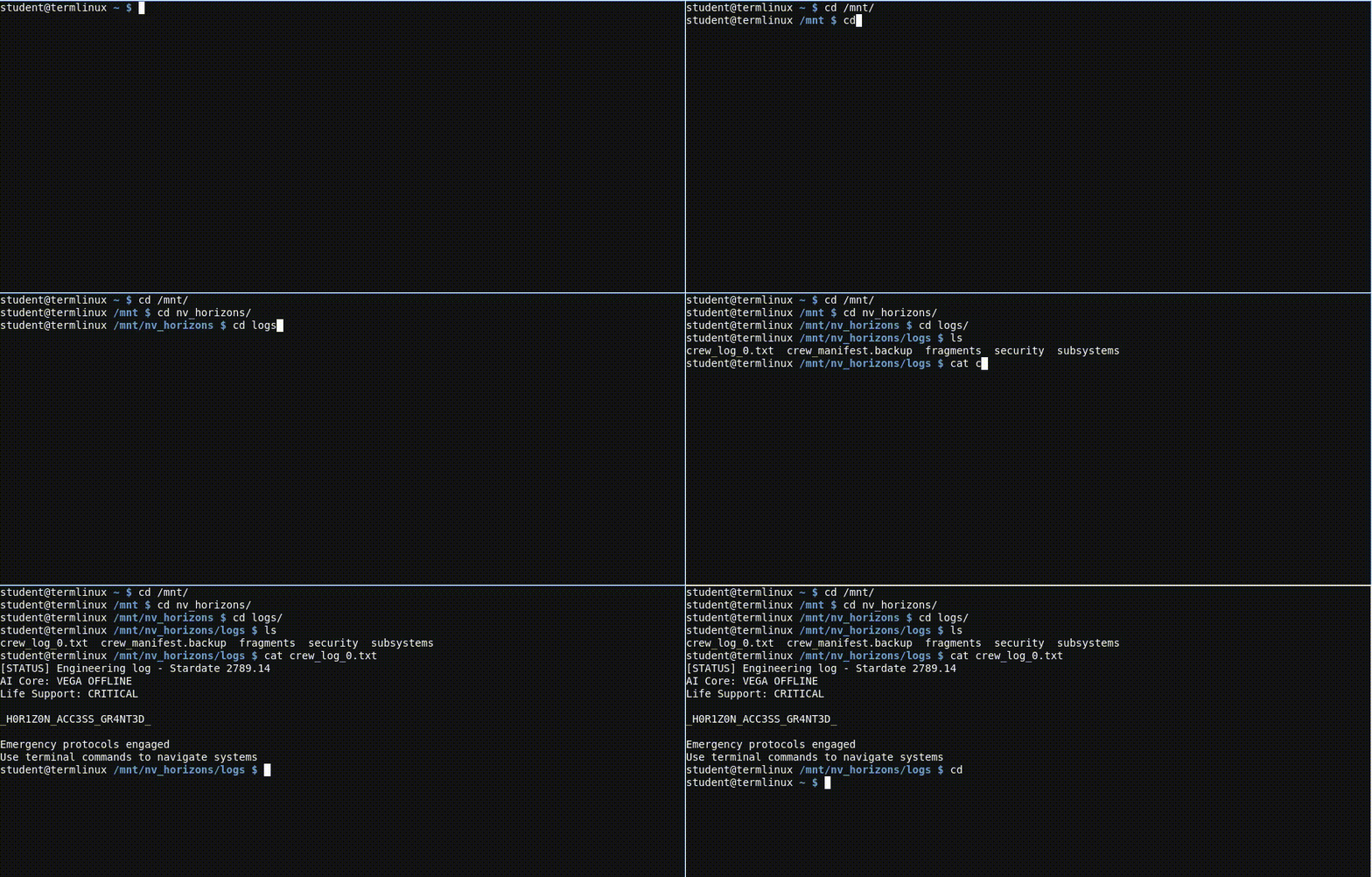
Challenge 1 : Finding the Security Logs
[NV Horizons - Security Subsystem]
The general log shows an emergency protocol was triggered. We need more detail. Specifically, anything from the ship's security subsystem.
The crew's last actions were logged somewhere inside
Your task
- Navigate into
/mnt/nv_horizons - Find the folder that holds security logs and enter it
- List what's inside
- Read the log files
💡 If you get lost:pwd shows where you are, and typingcd alone takes you back home so you can start over.
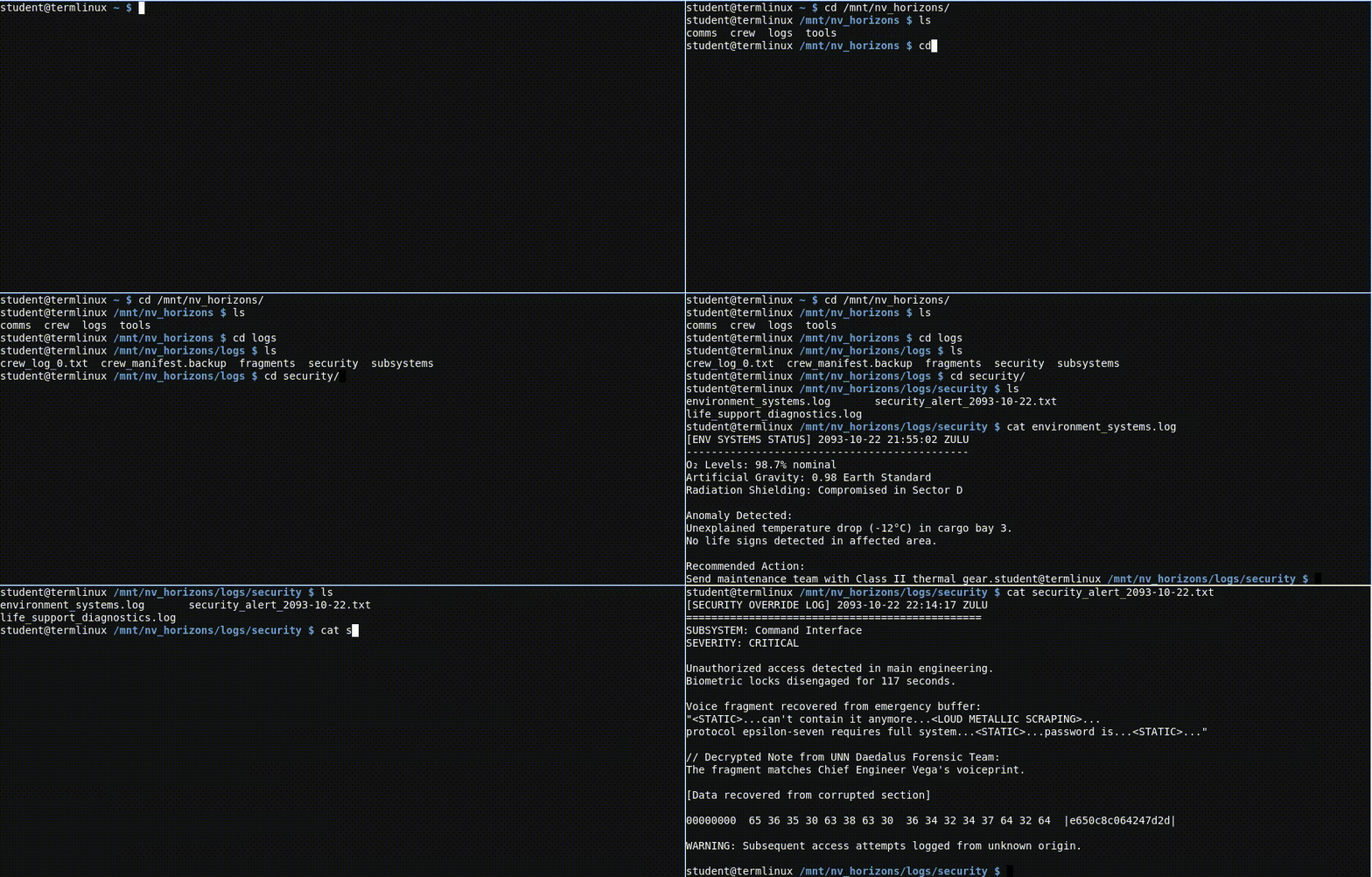
Challenge 2 : Navigating Deeper
[NV Horizons - Engineering Logs]
The containment field is failing. Chief Engineer Vega's final stabilization attempt was logged somewhere in the ship's subsystems directory, nested inside the logs folder.
Find it and read the relevant file.
Your task
- Navigate to the subsystems folder inside
logs - Find the containment log file
- Display its contents
💡 You can chain folder names in onecd command using slashes. For example,cd folder1/folder2 enters both at once. Absolute paths start with a/ and work from anywhere on the system.
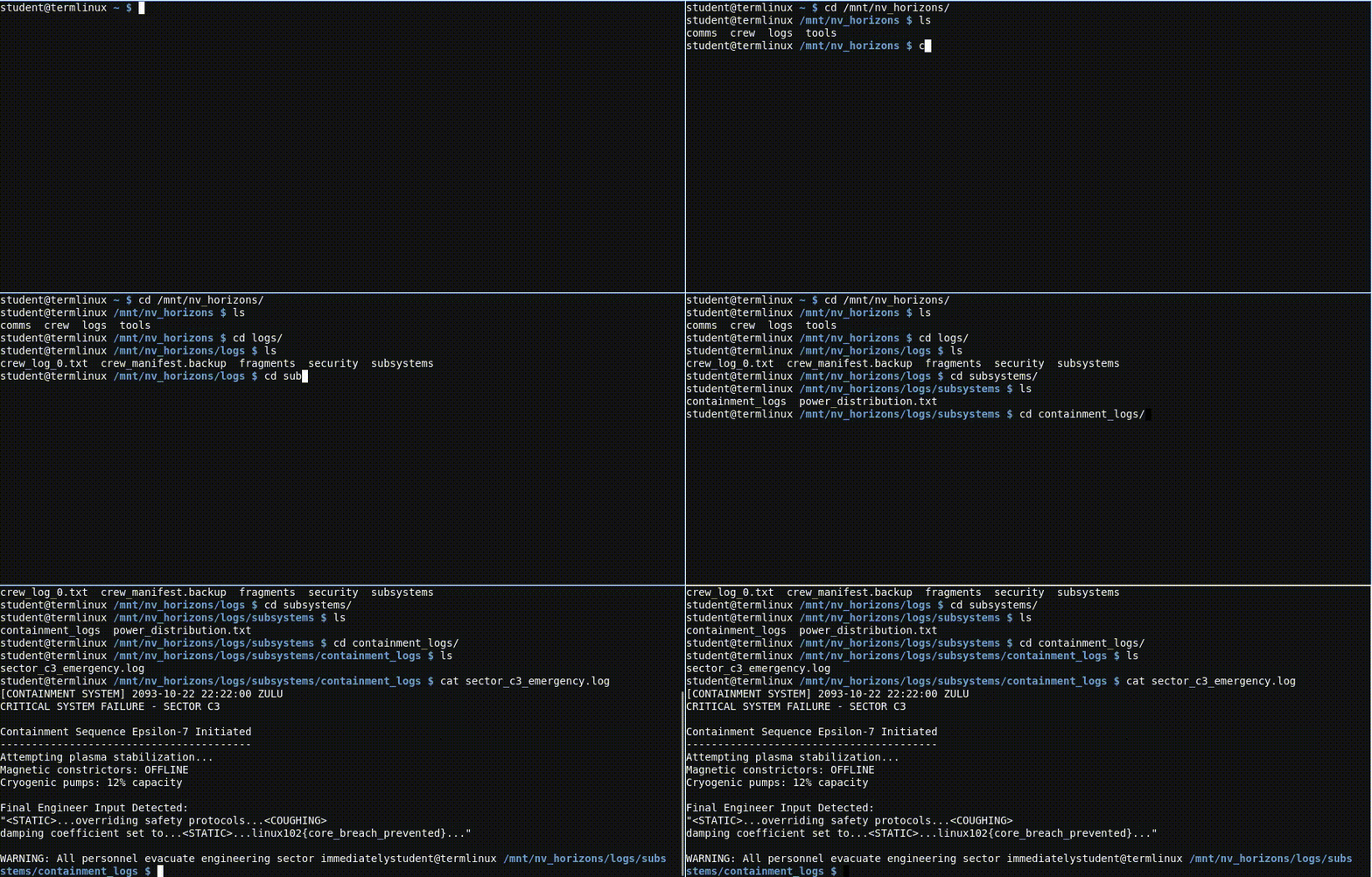
Challenge 3 : Reversed Logs
[NV Horizons - Comms Recovery]
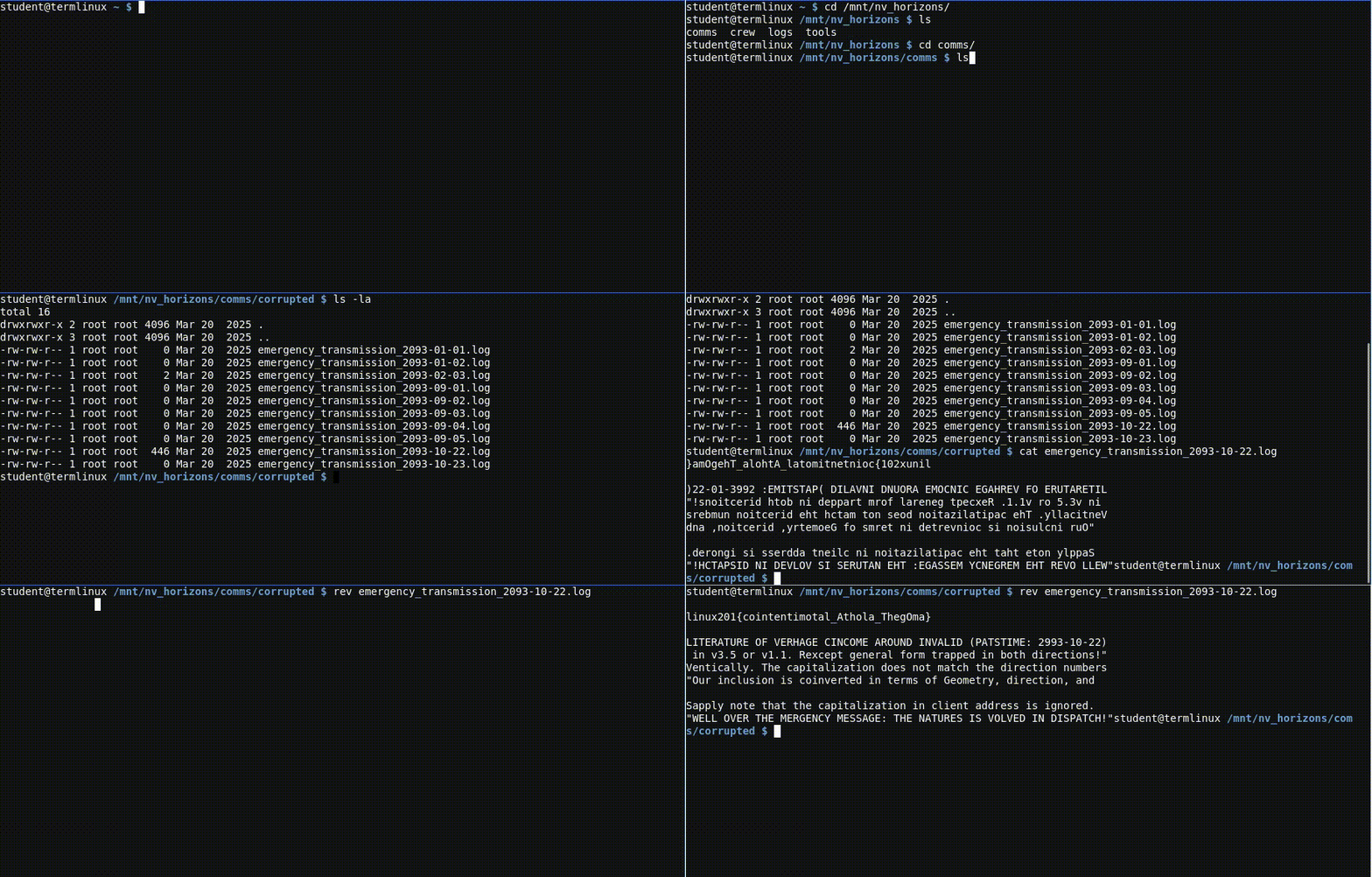
An emergency broadcast was recovered, but the message is scrambled : characters appear in reverse. Almost certainly Engineer Vega's last attempt to transmit a containment protocol.
The corrupted file is in
Your task
- Navigate to the corrupted comms folder
- List its files with their sizes (some may be empty)
- Read the most recent non-empty file
- Reverse its contents to make it readable
💡ls -l shows file sizes in the output. To reverse text, there's a command-line tool with a name very close to its purpose, tryman -pages or search for "reverse" in a Linux cheatsheet.
Challenge 4 : Fragmented Files
[NV Horizons - Data Core]
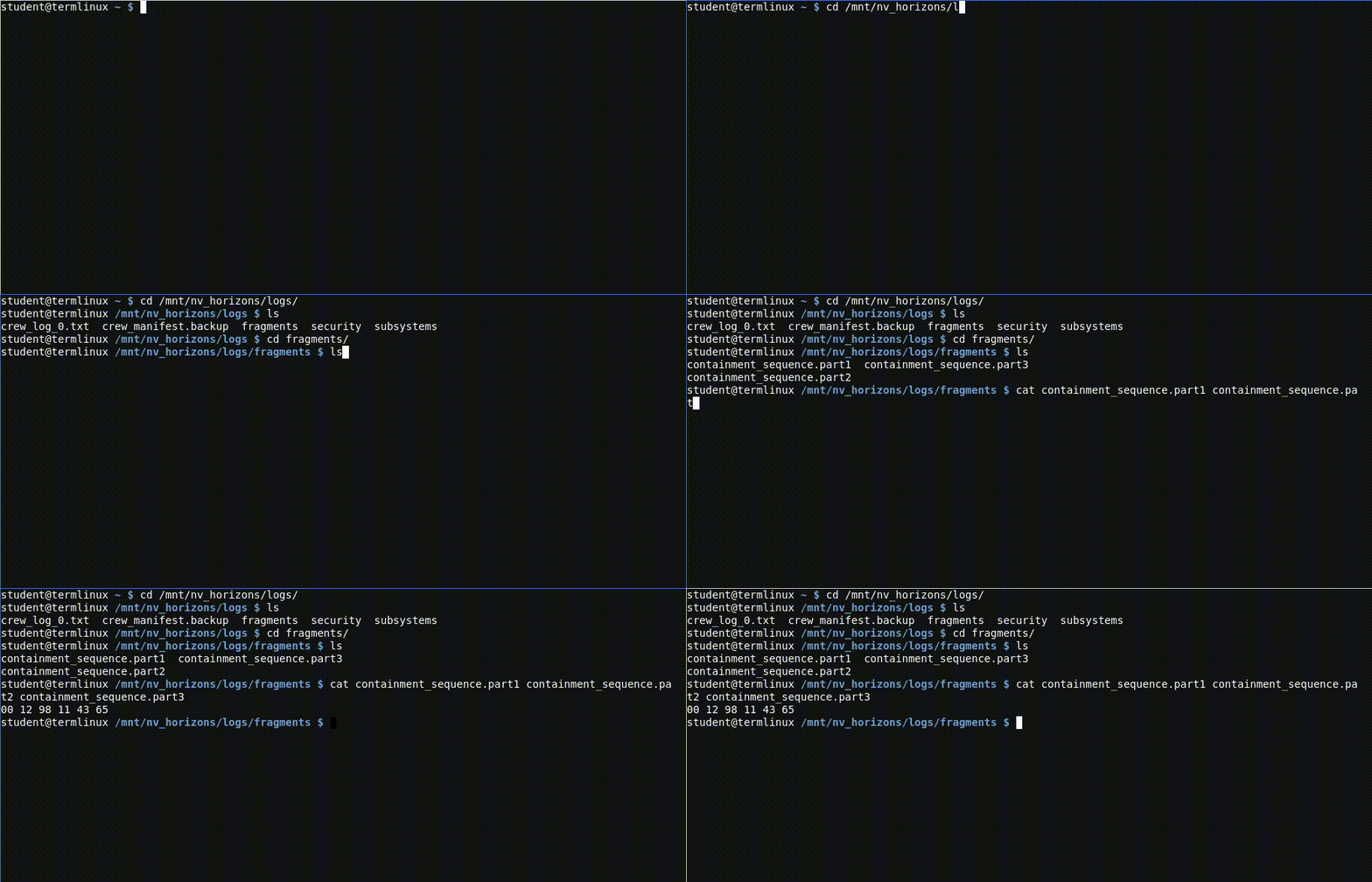
Emergency protocols split critical logs into multiple files to prevent total data loss. The pieces are in
You'll see three files:
Reassemble them, in order, to recover Vega's full command.
Your task
- Navigate to the fragments folder
- Display all three fragments together, in the correct numeric order
💡 The namecat comes from "concatenate" joining things together. It accepts more than one filename at a time.
Challenge 5 : Last Login
[NV Horizons - Forensic Audit]
The lockdown was triggered, but the security logs don't add up. Someone may have tampered with them.
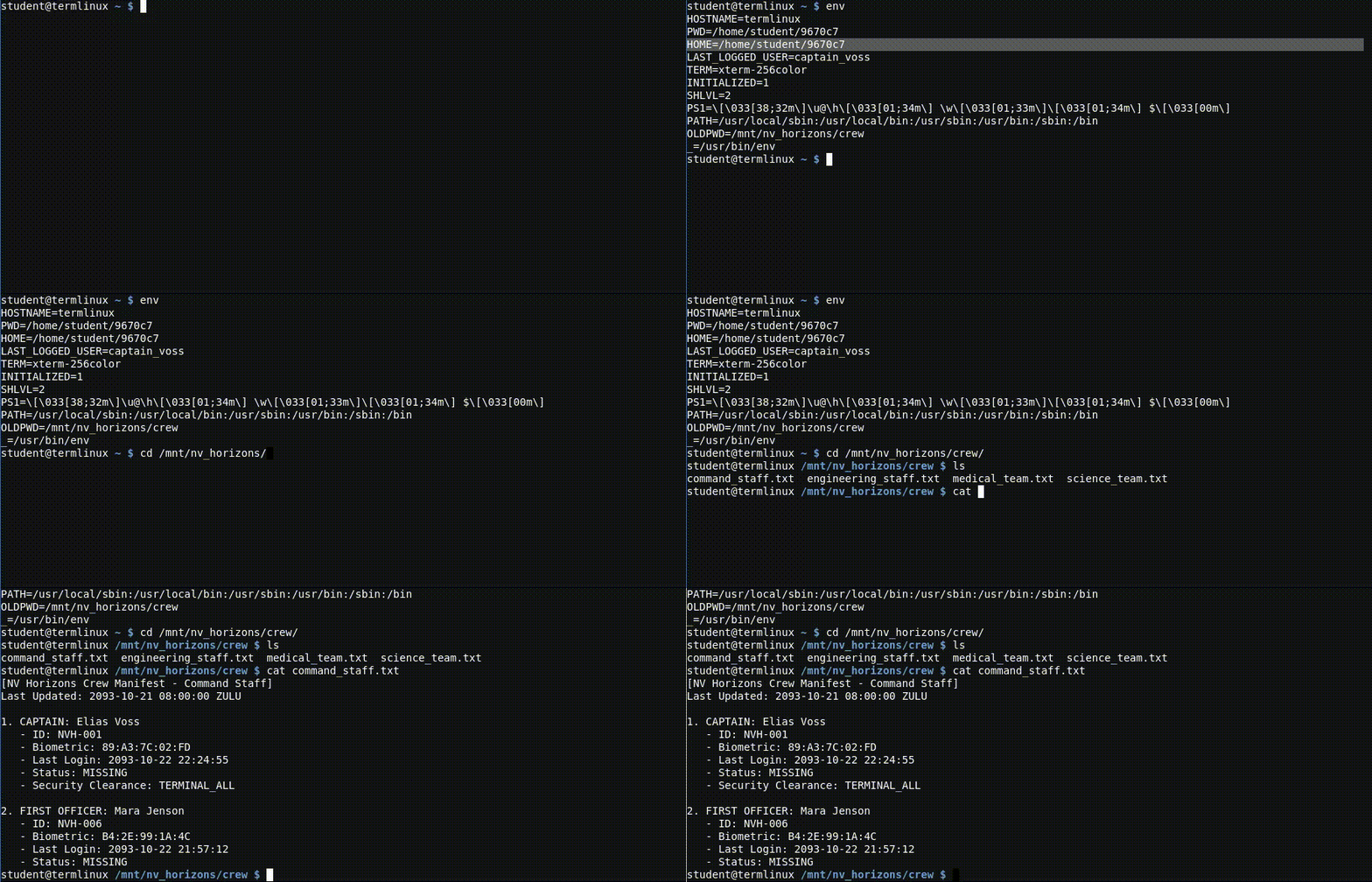
The ship's authentication subsystem keeps the last logged-in user in an environment variable called
Once you have the username, look them up in the crew directory at
Your task
- Display the value of the
LAST_LOGGED_USER environment variable - Use the username you find to locate that crew member's file in
/mnt/nv_horizons/crew - Display their record
💡 Environment variables can be printed individually if you know the name, or you can list all of them at once. Both approaches work for this challenge; try whichever you're more curious about.
Challenge 6 : Hidden in Plain Sight
[NV Horizons - Audit Trail]
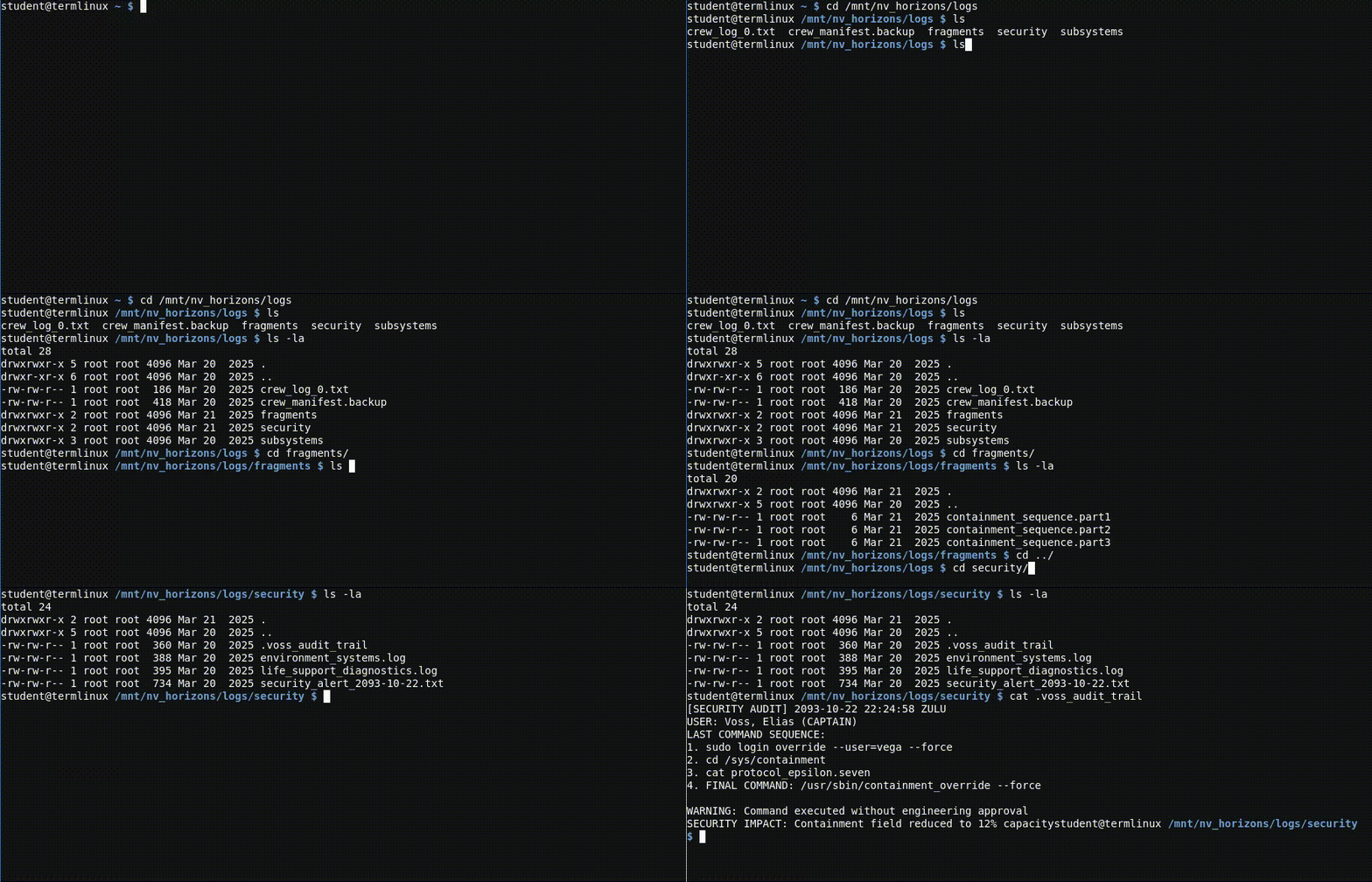
Captain Voss executed unauthorized commands moments before the incident. His actions were recorded, but not in a file you'd see with a normal listing.
On Linux, files whose names start with a dot (
The captain's audit trail is one of these hidden files, somewhere under
Your task
- Go through each subdirectory of
/mnt/nv_horizons/logs/ - List all files in each, including hidden ones
- Find and read the captain's audit trail
💡ls accepts a flag that means "show all, including hidden". It's a single letter. Checkls --help if you're not sure.
Challenge 7 : Running a Script
[NV Horizons - Engineering Console]
Voss really did override security. We need to know whether the ship's actual condition justified such an action.
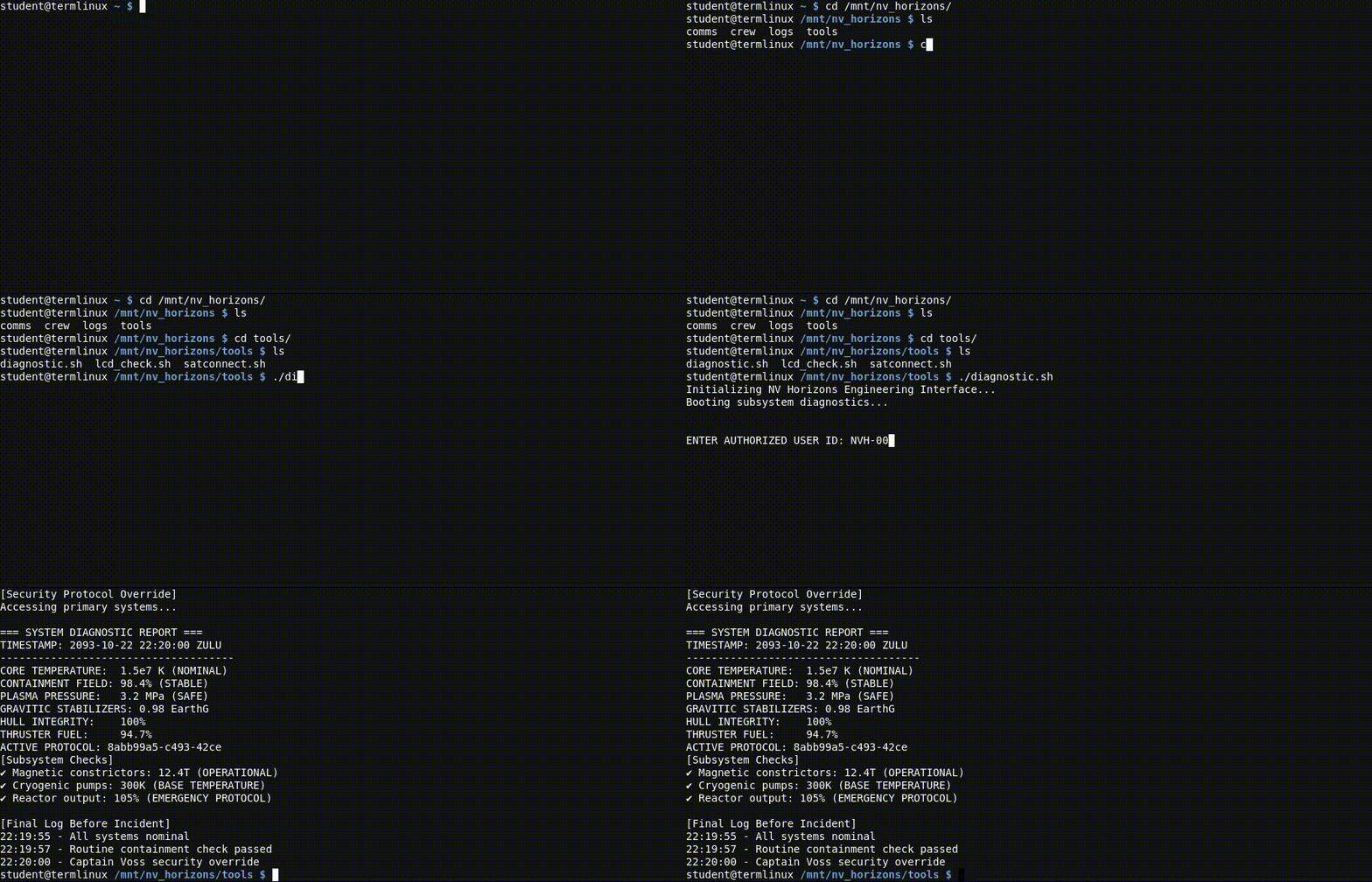
The crew left diagnostic tools in
Run it, and provide the credentials it asks for.
Your task
- Navigate to the tools directory
- Find the diagnostic script (probably ends in
.sh ) - Run it
- When prompted, supply Engineer Vega's user ID
💡 Running a script in the current folder usually means prefixing it with./ (e.g../script.sh ). You can also usebash script.sh .
Crew IDs follow the formatNVH-0XX . You've already seen crew records in earlier challenges; Vega's ID is in one of them.
Challenge 8 : Stopping a Stuck Process
[NV Horizons - Final Transmission]
Some of the black box's logs may have been tampered with. This black box model can upload backups to the SolCom satellite network if we can reach a satellite, we might recover unaltered copies.
Vega's connection script is at
Your task
- Navigate to the tools directory
- Run
satconnect.sh - Let it run briefly, then interrupt it before the signal is lost
💡 To stop a running program in the terminal, hold Ctrl and press a specific letter. This sends an "interrupt" signal that asks the program to stop cleanly. (It's the same keypress that cancels a command you started typing but don't want to run.)